


NixOS: The perfect Linux distribution?

When it comes to Linux distributions, the first thing that comes to mind may be Ubuntu, Debian or Fedora, etc., but today I want to introduce to you an unusual Linux distribution-NixOS.
NixOS is an exciting distribution. Let’s take a look at why you might want to give it a try.
NixOS…another distro using a different package manager? 🤯
OK, NixOS is one of the premium Linux distributions.
So if I’m writing this, I must have a pretty solid reason, right? Well, there are many!
I've been using it for 3 months now and it's so good that I'm considering switching to NixOS from my all-time favorite Pop!_OS.
In this guide, I will share the key features of NixOS that make it stand out from the crowd of Linux distributions.
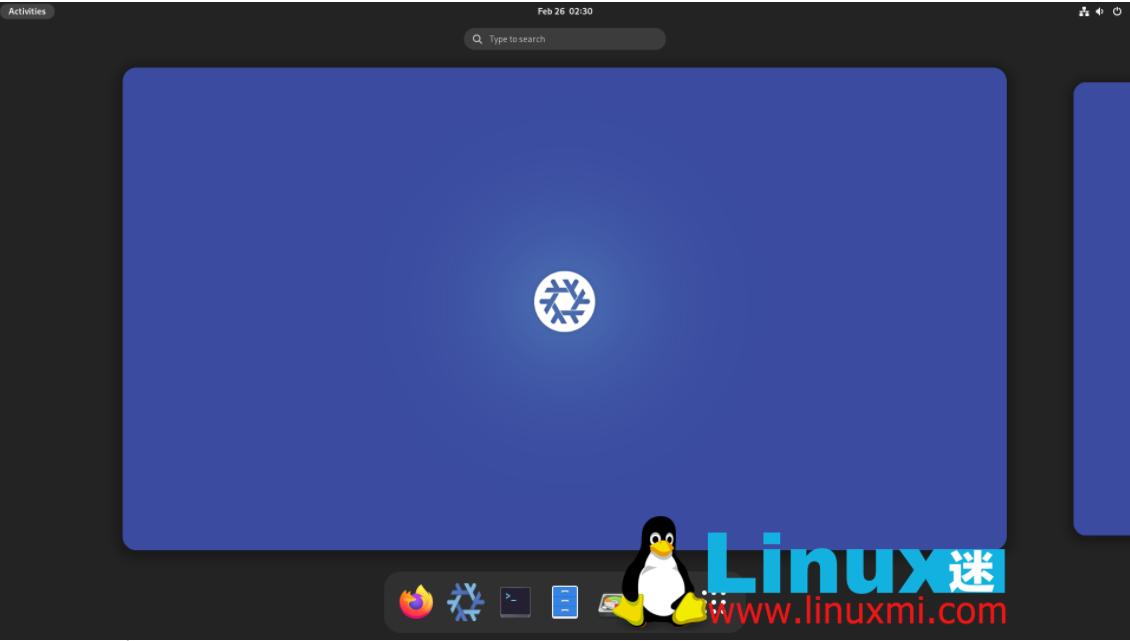
Don’t worry; before we continue, let me tell you what NixOS is:
“
It is a Linux distribution with the Nix package manager at its core, saving you the trouble of setting up on different Linux distributions and letting you get the most out of Nix. Built by the same team that developed Nix.
”
6 reasons to use NixOS
NixOS is a fun standalone Linux distribution built from the ground up.
Everyone can learn a lot by using NixOS, but in my opinion, if you are a developer or a computer science student, NixOS should be a good fit.
Let me tell you why.
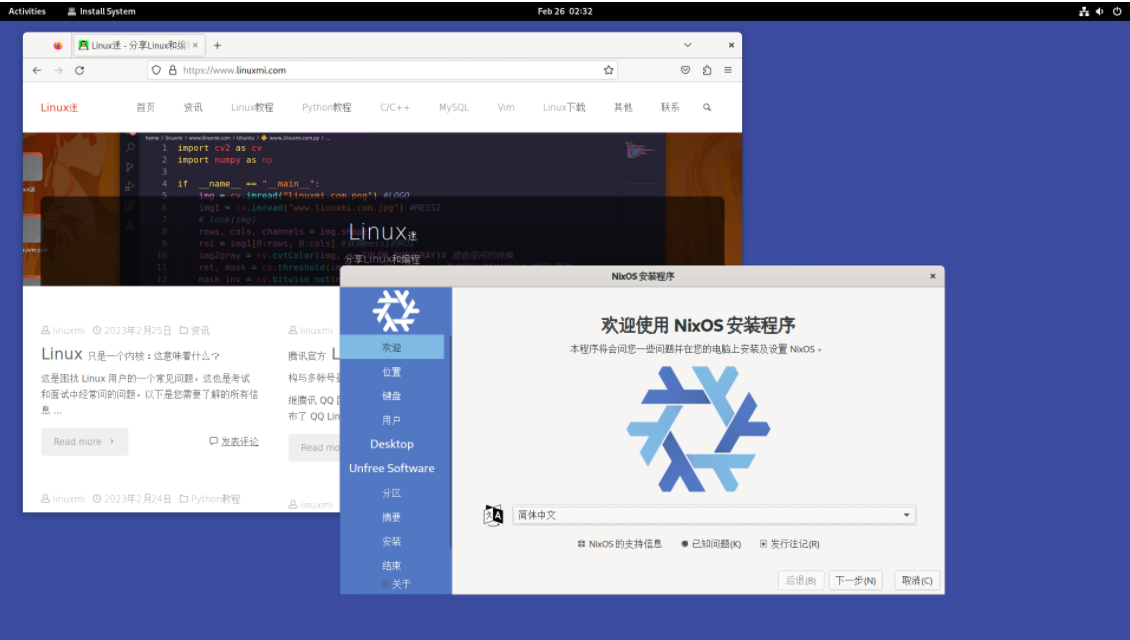
1. Hard to break/easy to repair
NixOS is built on durability.
This doesn't mean it ships with packages for stability for years like Debian does, but it takes a different approach.
To understand why NixOS is so stable, let's talk about how users typically break their systems, namely "Dependency issues or package conflicts"
When updating your system or installing new packages, you often experience severe system crashes. Mainly because your package manager cannot satisfy the dependencies or the installed package conflicts with the existing system.
NixOS has a very clever way of handling this problem.
See, whenever you upgrade the system or install a package, the system state is rebuilt , called the current " new generation".
So if you encounter any problems with new packages or updates, you can always roll back to the old generation where you will find the previous state of your system.
Even if the system is inaccessible, you will find previous generations available on boot.
2. Reproducibility
Using a configuration file, you can create copies of the current environment for other physical systems.
To benefit from this feature, you can install and configure it using Nix configuration files.
Once you have a config file that suits your purposes, send that file to a fresh installation and replace the default config file with yours. It's that simple!
Rebuild the configuration, upgrade the system, and switch via the given commands:
sudo nixos-rebuild switch --upgrade
You will have a copy of the development environment you have on your host machine in just a few minutes.
Related: NixOS 22.05 released, independently developed GNU/Linux https://www.linuxmi.com/nixos-22-05.html
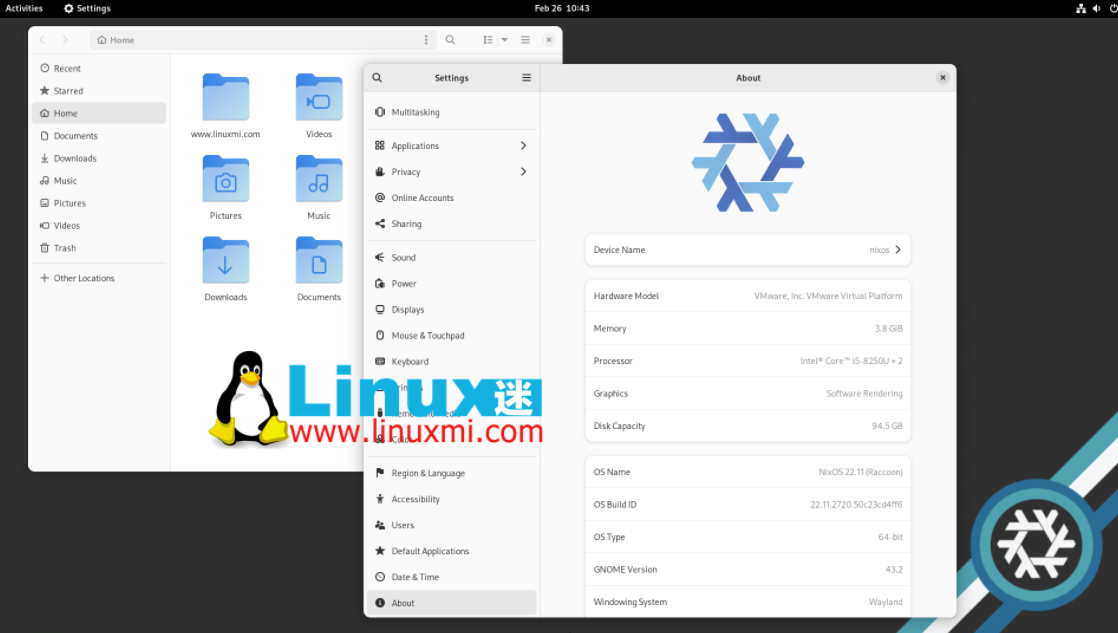
3. Easy rollback
While you may have gotten inspiration from NixOS’s “Generations” feature.
there are more. 🕵️
NixOS relies heavily on symlinks (always). If this is a new concept to you, please refer to the following guide:
How to create symbolic links in Linux [Complete Guide] https://www.linuxmi.com/creating-symbolic-links-in-linux.html
Typically, with other Linux distributions, when you upgrade a package, the new package replaces the old package.
But this is not the case with NixOS.
In NixOS, packages are isolated and stored in a unique directory, which is where symbolic links are used.
Whenever you upgrade a package, NixOS will adjust the symbolic links to locate the new package, but will not remove the old package .
So if you encounter a conflict with a new package, just switch to the old generation, symlinks will help find the old version of the package. 😌
4.Nix Package Manager
Nix Package Manager gives you access to over 80,000 packages! Not just limited to Linux; it also works on macOS, WSL2, Docker, and more platforms.
Package availability is similar or even better than the AUR, as you should find almost everything on the Nix package manager.
For example, I want to install the Librewolf browser, which is not available in the default repositories of most Linux distributions.
But Nix does! This means that almost every package can depend on the Nix package manager.
It's also relatively easy to understand if you have previous Linux experience. In short, the Nix package manager is impressive!
5. Use multiple versions of the same package
This is critical for developers because some applications require older versions of specific dependencies, while some require the latest versions.
As I mentioned before, nix installs packages into specific subdirectories, and each package is isolated so they don't interfere with each other!
Before using Nix, I used VMs and containers for different dependencies of the same package, especially PHP, but NixOS has done wonders for my workflow.
6. Test the package without installation
You can use nix-shell, which will temporarily modify the $PATH environment variable and be used to temporarily test the package.
And there is no limit. You can test every package available for installation!
NixOS Series: Let’s explore more!
This is the first part of our Nix series, in which I cover the reasons for using NixOS. I believe more Linux users should start learning about it, if you don't already know it.
In short, NixOS has become a Linux distribution that has attracted much attention with its unique features and advantages. Whether you are a Linux newbie or a veteran, you can try this system, maybe it will bring you a different experience.
The above is the detailed content of NixOS: The perfect Linux distribution?. For more information, please follow other related articles on the PHP Chinese website!

Hot AI Tools

Undress AI Tool
Undress images for free

Undresser.AI Undress
AI-powered app for creating realistic nude photos

AI Clothes Remover
Online AI tool for removing clothes from photos.

Clothoff.io
AI clothes remover

Video Face Swap
Swap faces in any video effortlessly with our completely free AI face swap tool!

Hot Article
Hot Tools

Notepad++7.3.1
Easy-to-use and free code editor

SublimeText3 Chinese version
Chinese version, very easy to use

Zend Studio 13.0.1
Powerful PHP integrated development environment

Dreamweaver CS6
Visual web development tools

SublimeText3 Mac version
God-level code editing software (SublimeText3)


 How to install software on Linux using the terminal?
Aug 02, 2025 pm 12:58 PM
How to install software on Linux using the terminal?
Aug 02, 2025 pm 12:58 PM
There are three main ways to install software on Linux: 1. Use a package manager, such as apt, dnf or pacman, and then execute the install command after updating the source, such as sudoaptininstallcurl; 2. For .deb or .rpm files, use dpkg or rpm commands to install, and repair dependencies when needed; 3. Use snap or flatpak to install applications across platforms, such as sudosnapinstall software name, which is suitable for users who are pursuing version updates. It is recommended to use the system's own package manager for better compatibility and performance.
 The Ultimate Guide to High-Performance Gaming on Linux
Aug 03, 2025 am 05:51 AM
The Ultimate Guide to High-Performance Gaming on Linux
Aug 03, 2025 am 05:51 AM
ChoosePop!_OS,Ubuntu,NobaraLinux,orArchLinuxforoptimalgamingperformancewithminimaloverhead.2.InstallofficialNVIDIAproprietarydriversforNVIDIAGPUs,ensureup-to-dateMesaandkernelversionsforAMDandIntelGPUs.3.EnabletheperformanceCPUgovernor,usealow-latenc
 What are the main pros and cons of Linux vs. Windows?
Aug 03, 2025 am 02:56 AM
What are the main pros and cons of Linux vs. Windows?
Aug 03, 2025 am 02:56 AM
Linux is suitable for old hardware, has high security and is customizable, but has weak software compatibility; Windows software is rich and easy to use, but has high resource utilization. 1. In terms of performance, Linux is lightweight and efficient, suitable for old devices; Windows has high hardware requirements. 2. In terms of software, Windows has wider compatibility, especially professional tools and games; Linux needs to use tools to run some software. 3. In terms of security, Linux permission management is stricter and updates are convenient; although Windows is protected, it is still vulnerable to attacks. 4. In terms of difficulty of use, the Linux learning curve is steep; Windows operation is intuitive. Choose according to requirements: choose Linux with performance and security, and choose Windows with compatibility and ease of use.
 Understanding RAID Configurations on a Linux Server
Aug 05, 2025 am 11:50 AM
Understanding RAID Configurations on a Linux Server
Aug 05, 2025 am 11:50 AM
RAIDimprovesstorageperformanceandreliabilityonLinuxserversthroughvariousconfigurations;RAID0offersspeedbutnoredundancy;RAID1providesmirroringforcriticaldatawith50�pacityloss;RAID5supportssingle-drivefailuretoleranceusingparityandrequiresatleastthre
 Linux how to enable and disable services at boot
Aug 08, 2025 am 10:23 AM
Linux how to enable and disable services at boot
Aug 08, 2025 am 10:23 AM
To manage the startup of Linux services, use the systemctl command. 1. Check the service status: systemctlstatus can check whether the service is running, enabled or disabled. 2. Enable the service startup: sudosystemctlenable, such as sudosystemctlenablenginx. If it is started at the same time, use sudosystemctlenable--nownginx. 3. Disable the service startup: sudosystemctldisable, such as sudosystemctldisablecups. If it is stopped at the same time, use sudosystemctldisabl
 Linux how to list all running processes
Aug 08, 2025 am 06:42 AM
Linux how to list all running processes
Aug 08, 2025 am 06:42 AM
Usepsauxforacompletesnapshotofallrunningprocesses,showingdetailedinformationlikeUSER,PID,CPU,andmemoryusage.2.Usetoporhtopforreal-timemonitoringofprocesseswithdynamicupdates,wherehtopoffersamoreintuitiveinterface.3.UsepgreporpidoftoquicklyfindthePIDs
 How to clean up your Linux system
Aug 22, 2025 am 07:42 AM
How to clean up your Linux system
Aug 22, 2025 am 07:42 AM
Removeunusedpackagesanddependencieswithsudoaptautoremove,cleanpackagecacheusingsudoaptcleanorautoclean,andremoveoldkernelsviasudoaptautoremove--purge.2.Clearsystemlogswithsudojournalctl--vacuum-time=7d,deletearchivedlogsin/var/log,andempty/tmpand/var
 Linux how to view the contents of a file
Aug 19, 2025 pm 06:44 PM
Linux how to view the contents of a file
Aug 19, 2025 pm 06:44 PM
ToviewfilecontentsinLinux,usedifferentcommandsbasedonyourneeds:1.Forsmallfiles,usecattodisplaytheentirecontentatonce,withcat-ntoshowlinenumbers.2.Forlargefiles,uselesstoscrollpagebypageorlinebyline,searchwith/search_term,andquitwithq.3.Usemoreforbasi
