


Sometimes when you open the exe file after downloading the software, you will find that it cannot be opened. This may be a problem with the program. We can set it in the program and then restart it to solve the problem. It is very convenient.
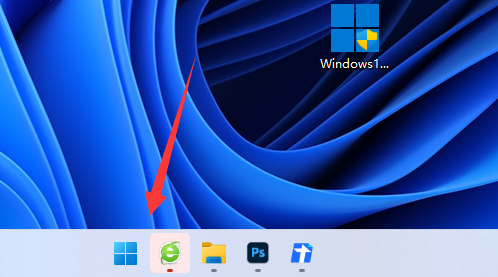
1. First, we click "Start" below and then search for the Control Panel and open it.

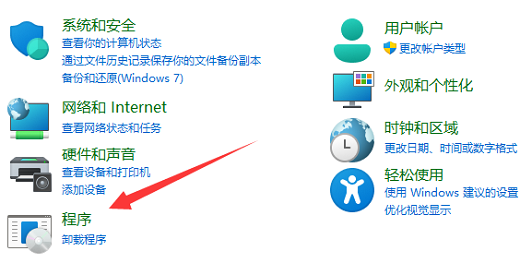
2. Then enter "Program".
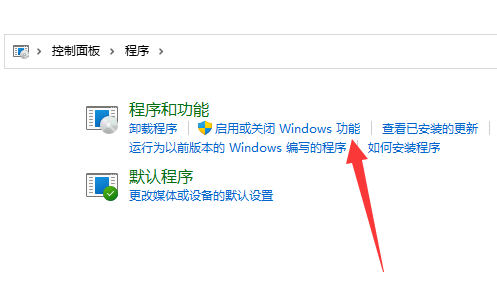
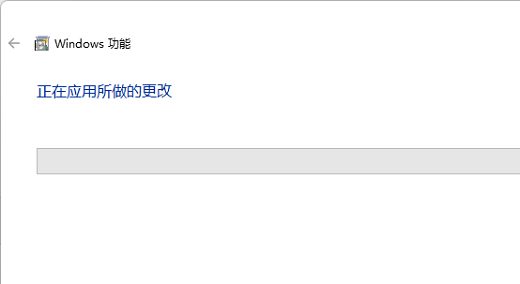
3. After entering, click "Turn Windows features on or off".
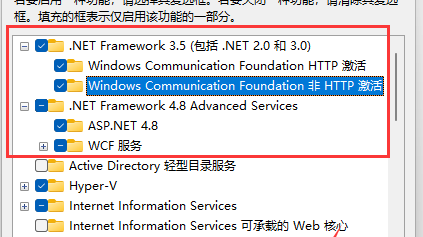
4. Then check all the services with net above and click OK.
5. Finally, restarting will solve the problem.
Extension: edge browser cannot be opened
The above is the detailed content of Unable to start win11exe file. For more information, please follow other related articles on the PHP Chinese website!
 Solution to the problem that exe files cannot be opened in win10 system
 How to open exe file
 Detailed explanation of netsh command usage
 How to open the download permission of Douyin
 What currency is USDT?
 Introduction to the meaning of += in C language
 How to find the greatest common divisor in C language
 The latest ranking of Snapdragon processors




















![[Web front-end] Node.js quick start](https://img.php.cn/upload/course/000/000/067/662b5d34ba7c0227.png)



