


How to switch pycharm to Chinese: First download the "resources_cn.jar" Chinese font library file; then copy the file to the "JetBrains\PyCharm Community Edition 2020.1.1\lib" directory and restart pycharm.

The operating environment of this tutorial: windows7 system, Pycharm2019 version, DELL G3 computer
PyCharm has been installed. Because it does not support Chinese, it is a bit troublesome for unfamiliar friends to use, so we need to set up the Chinese interface.
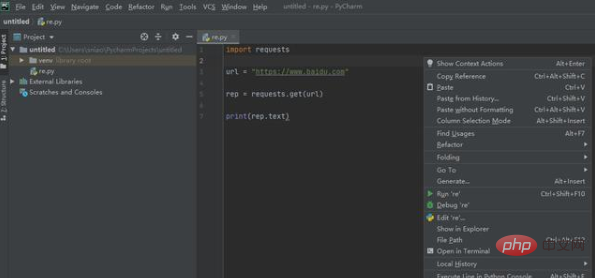
You can search online for PyCharm download related: resources_cn.jar Chinese character library file
The method is very simple, copy the file to JetBrains\PyCharm Community Edition 2020.1.1\lib directory
The Chinese font library supports use on the following systems: Windows, MacOS, Linux
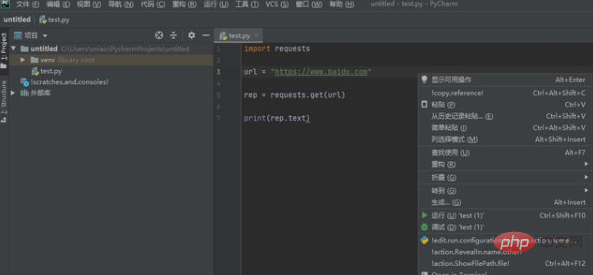
The above is the detailed content of How to switch pycharm to Chinese. For more information, please follow other related articles on the PHP Chinese website!
 How to change pycharm to Chinese
 pycharm installation tutorial
 How to solve the problem that pycharm cannot find the module
 How to install pycharm
 The difference between python and pycharm
 How to configure the pycharm environment
 How to install the pycharm interpreter
 What does pycharm mean when running in parallel?




















![[Web front-end] Node.js quick start](https://img.php.cn/upload/course/000/000/067/662b5d34ba7c0227.png)



