


#The function of alt tab is to switch multi-tasking windows. As long as we use this function, we can switch between windows on the computer at will.
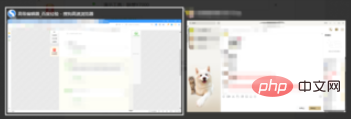
When we use the alt tab key, we may open more than one window. At this time, if we want to change the window, there are two methods. The first method is Use the mouse to click on the window we need to replace among these windows.
The second method is to use the arrow keys in these windows to replace these windows.
Recommended tutorial:windows tutorial
The above is the detailed content of What is the shortcut key for alt+tab on the computer?. For more information, please follow other related articles on the PHP Chinese website!
 Computer is infected and cannot be turned on
 How to prevent the computer from automatically installing software
 Summary of commonly used computer shortcut keys
 Computer freeze screen stuck
 How to measure internet speed on computer
 How to set the computer to automatically connect to WiFi
 Computer 404 error page
 How to set up computer virtual memory





















![[Web front-end] Node.js quick start](https://img.php.cn/upload/course/000/000/067/662b5d34ba7c0227.png)



