


Use NppFTP plug-in to connect to linux
1. Check whether notepad’s firewall is turned on. #notepad)Note: If the firewall of notepad is not turned on, the plug-in cannot be downloaded.
Check the firewall:
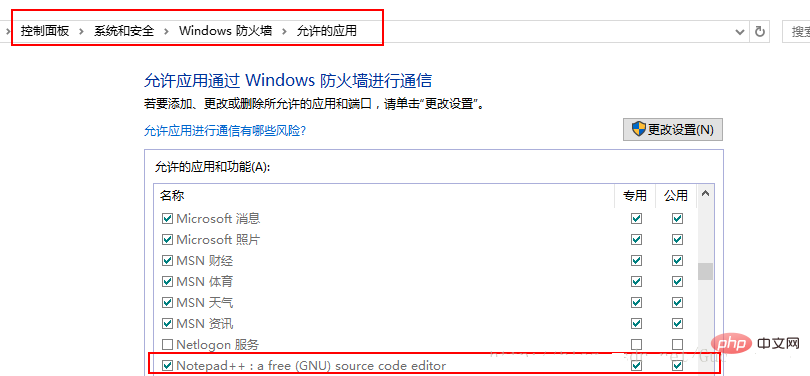 Notepad was not found in my firewall list at first. You can find it from Allow other applications, find the installation directory of notepad, and add it. Remember to check the dedicated and shared boxes at the end.
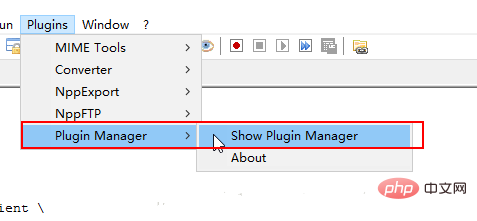
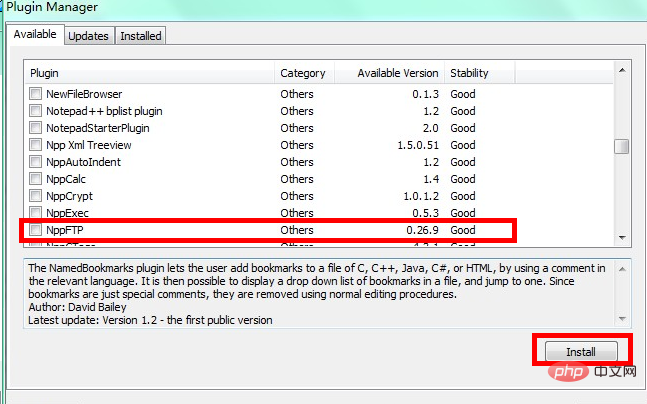 Select NppFTP to install
Plug-in installed successfully
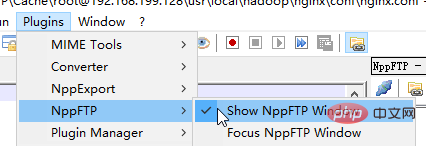
Click settings
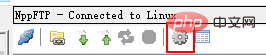 The box below pops up and fill in the connection information
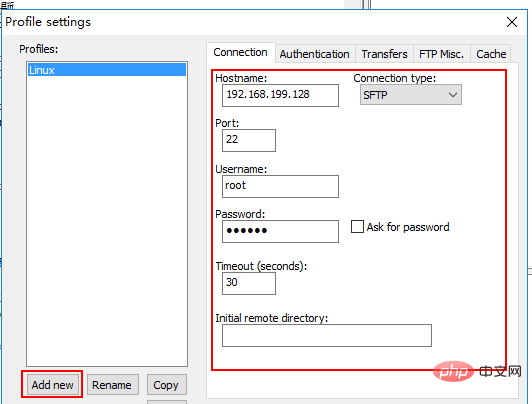
 The connection has been successful and you can remotely operate Linux files
The above is the detailed content of notepad++ connect to linux. For more information, please follow other related articles on the PHP Chinese website!













