



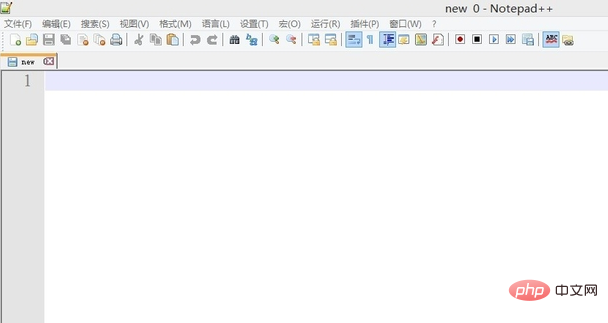
Open the notepad software.
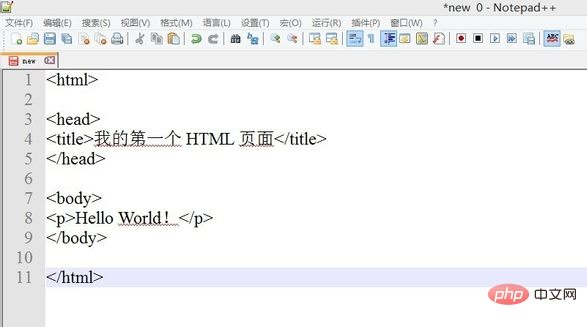
Enter the code in notepad software.
Related recommendations: "Notepad usage graphic tutorial"
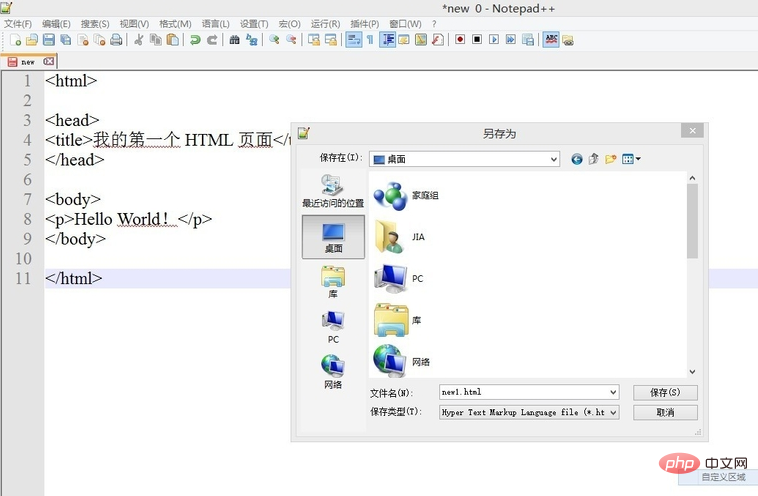
Select "File" - "Save As" in the menu bar, Enter the file name new1.html and select the storage path.
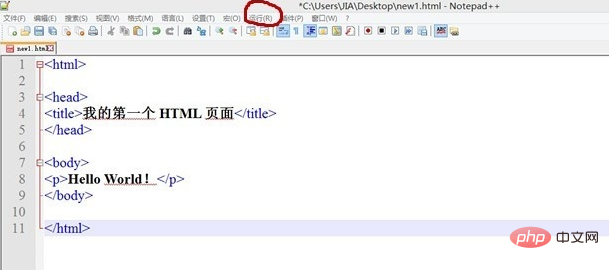
Select "Run" - "launch in IE", you can choose the corresponding browser according to your actual situation.
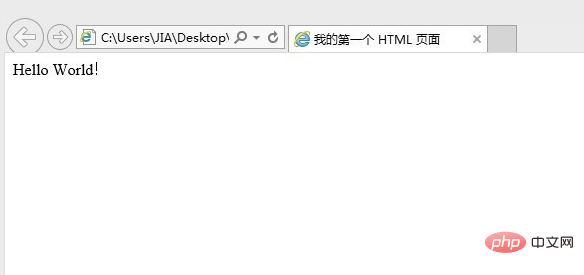
View the effect:
The above is the detailed content of How to create a web page in notepad. For more information, please follow other related articles on the PHP Chinese website!













