


Our friends here all know that the computer has Bluetooth function, and many friends want to use Bluetooth headsets to connect directly to the computer, but many friends have no sound after connecting the Bluetooth headsets. In fact, this problem is The solution is also very simple.
1. First, we need to confirm whether the power of the Bluetooth headset is sufficient, and also confirm whether we have set the mute state, or Connected to other devices.
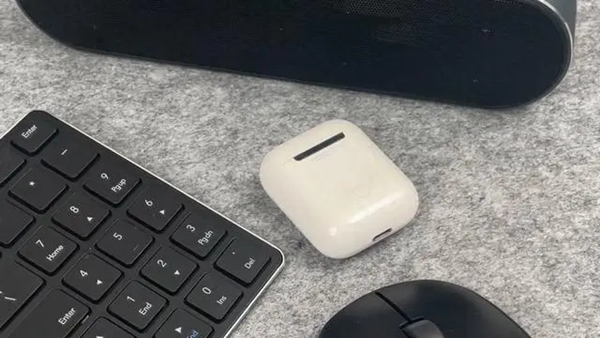
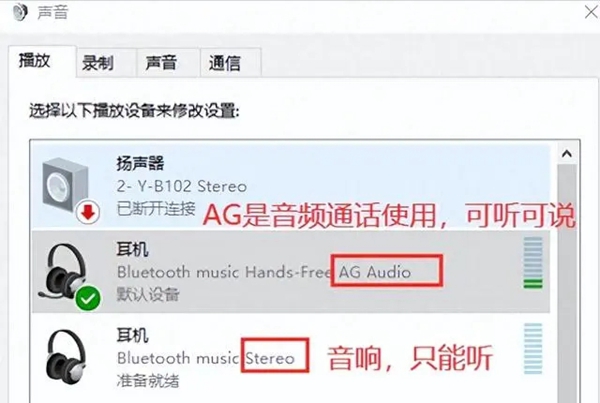
#2. We open the audio settings and confirm that the Bluetooth headset has been set as the default audio output device.
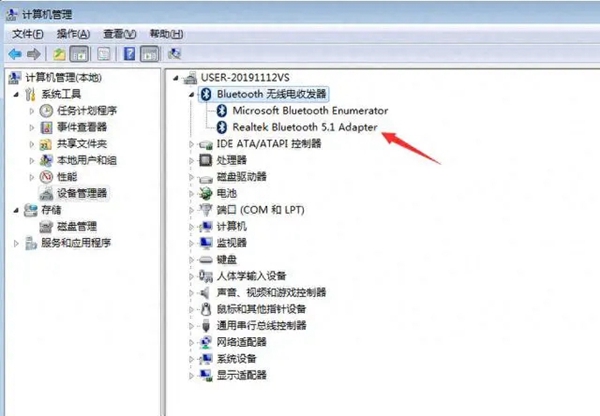
#3. Then we open the device manager and install or update the Bluetooth driver, also to avoid driver incompatibility issues.
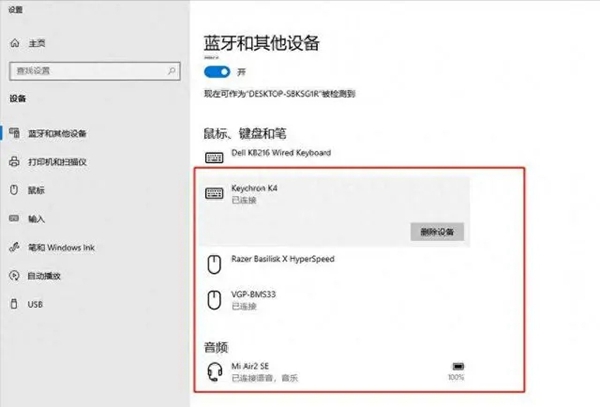
#4. Then we need to delete the existing connection record, then we power on and restart the computer again, and then connect and pair the Bluetooth headset.
The above is the detailed content of Win10 Home Edition cannot play sound when connected to Airport Bluetooth headset. For more information, please follow other related articles on the PHP Chinese website!
 win10 bluetooth switch is missing
 Why do all the icons in the lower right corner of win10 show up?
 The difference between win10 sleep and hibernation
 Win10 pauses updates
 What to do if the Bluetooth switch is missing in Windows 10
 win10 connect to shared printer
 Clean up junk in win10
 How to share printer in win10





















![[Web front-end] Node.js quick start](https://img.php.cn/upload/course/000/000/067/662b5d34ba7c0227.png)



