



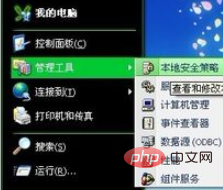
First click Start, Administrative Tools, Local Security Policy
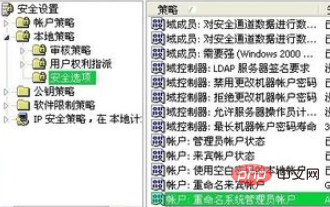
Then click Local Policy, Security Options, Account: Rename System administrator account (in the last item), right-click and select Properties
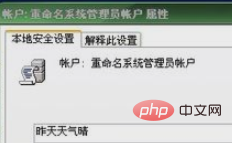
Finally enter the user name as needed
Recommended tutorial: windows tutorial
The above is the detailed content of How to change the computer's default username. For more information, please follow other related articles on the PHP Chinese website!
 Computer is infected and cannot be turned on
 How to prevent the computer from automatically installing software
 Summary of commonly used computer shortcut keys
 Computer freeze screen stuck
 How to measure internet speed on computer
 How to set the computer to automatically connect to WiFi
 Computer 404 error page
 How to set up computer virtual memory





















![[Web front-end] Node.js quick start](https://img.php.cn/upload/course/000/000/067/662b5d34ba7c0227.png)



