



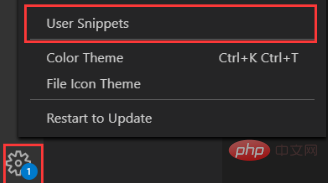
Find the html.json file: click Settings, find the user code snippet
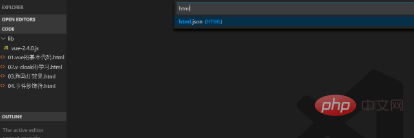
Search for html, the html.json file appears, click You can
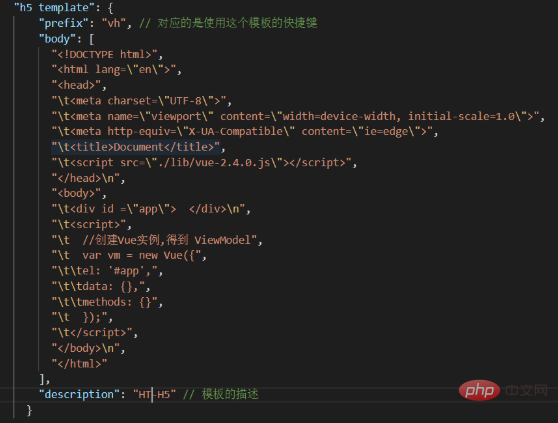
After opening the html.json file, you can customize the H5 template, as shown below:
Related article tutorial recommendations: vscode tutorial
The above is the detailed content of How to set html template in vscode. For more information, please follow other related articles on the PHP Chinese website!












![[Web front-end] Node.js quick start](https://img.php.cn/upload/course/000/000/067/662b5d34ba7c0227.png)



