


Notepad is a powerful text editor that is very convenient for opening all kinds of text. However, the default background color of Notepad is pure white, which is really uncomfortable if you stare at it for a long time.

In fact, we can manually change the background color of the notepad editing interface to achieve our comfortable visual effect. (Recommended learning: notepad use)
If you want to change the default background color, change it in [Settings]-[Language Format Settings]
Click [Background Color]
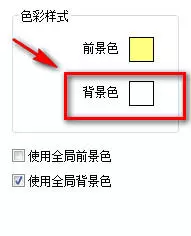
This interface will pop up
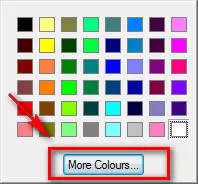
Click [More Colors], a color palette will appear
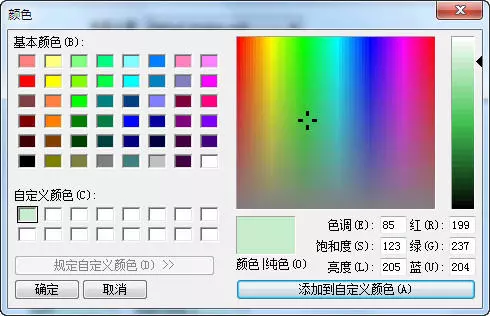
Here you can choose a color that is more eye-friendly or comfortable or that you like
Remember to check [Use global background color]
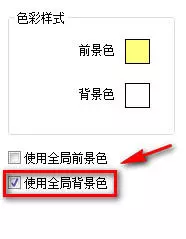
The final effect is like this

The above is the detailed content of How to change the background color of notepad. For more information, please follow other related articles on the PHP Chinese website!
 Notepad is the best
 notepad set font
 Main class not found or unable to load
 Usage of Instanceof in java
 What are the short video platforms?
 How to open Computer Network and Sharing Center
 How to check for plagiarism on CNKI Detailed steps for checking for plagiarism on CNKI
 What are the C language programming software?






















![[Web front-end] Node.js quick start](https://img.php.cn/upload/course/000/000/067/662b5d34ba7c0227.png)



