配置全域變數與段落變數
1,從設定檔讀取普通變數
#在configs資料夾下新建Smarty.conf檔
裡面寫上變數:
pageTitle = "This is mine"
bodyBgColor = "#eeeeee"
引入範本檔案:
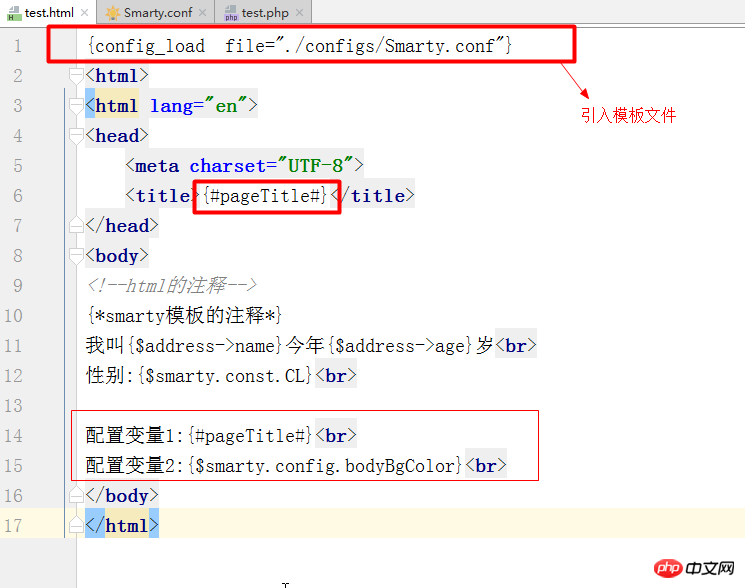
##運行結果如下:
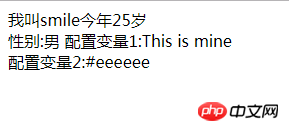
#2,段落變數的使用:
#Smarty.conf檔:
#注释
pageTitle = "This is mine"
bodyBgColor = "#eeeeee"
tableBorderSize = "3"
tableBgColor = "#bbbbbb"
rowBgColor = "#cccccc"
#段落变量
[firstStyle]
color='#00f'
width='200px'
height='300px'
[.secondStyle]
color='#eee'
width='400px'
height='500px'
[other]
other='这是其他'
test.html:
{* 加上section *}
{config_load file='./configs/Smarty.conf' section='firstStyle'}
<!DOCTYPE html>
<html lang="en">
<head>
    <meta charset="UTF-8">
    <title>{#pageTitle#}</title>
</head>
<body>
<!--html的注释-->
{*smarty模板的注释*}
我叫{$address->name}今年{$address->age}岁<br>
性别:{$smarty.const.CL}<br>
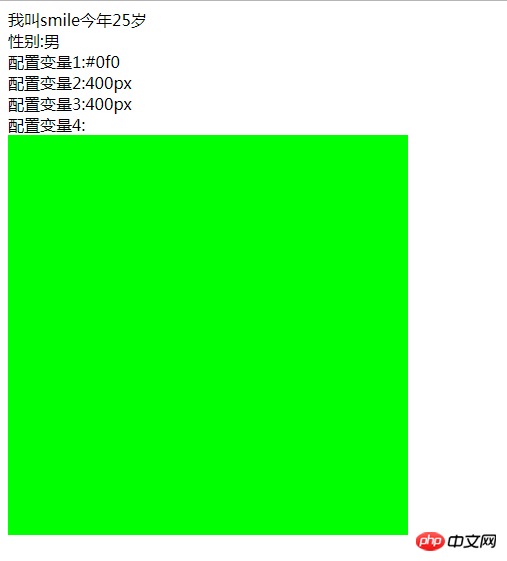
配置变量1:{#color#}<br>
配置变量2:{$smarty.config.width}<br>
配置变量3:{$smarty.config.height}<br>
配置变量4:{$smarty.config.other}<br>
</body>
</html>
執行結果:
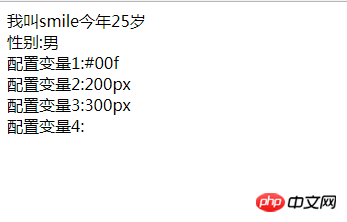
注意:
1、若全域變數與被載入的段落變數有相同的變數名,則段落名的值將覆蓋全域變數的值。
2、若某個段落變數裡含有相同的變數名,則最後一個的變數的值將會覆寫前面的值。
3、在整個smarty.conf檔案中,點(.)擁有相對較高的權限的。點的作用是將一個變數或整個段落隱藏,不能被使用。
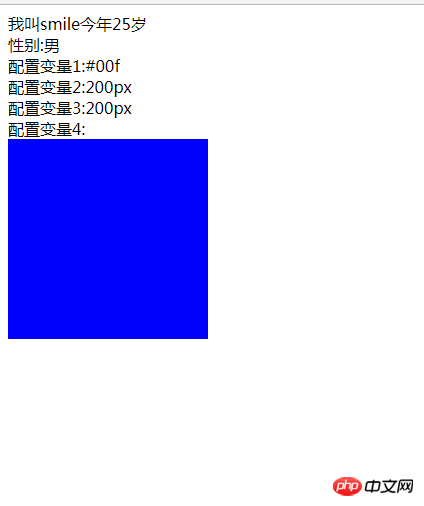
3,段落變數的簡單應用:(方便更換div的樣式)
#test.html:
{config_load file='./configs/Smarty.conf' section='firstStyle'}
<!DOCTYPE html>
<html>
<head>
    <meta charset="utf-8">
    <title>smarty test1</title>
<style type="text/css">
#aa{ width: {#width#};height: {#height#};background: {#color#};}
</style>
</head>
<body>
<div id='aa'>

这是一个div<br/><br/>
{#content#}
</div>
</body>
要注意的是:{}號在smarty模板中預設都會被解析

Smarty.conf:#
#段落变量
#第一种颜色风格
[firstStyle]
color='#00f'
width='300px'
height='300px'
content='第一种风格'
#第二种颜色风格
[secondStyle]
color='#0f0'
width='500px'
height='500px'
content='第二种风格'
firstStyle展示:
secondStyle展示:
![Smarty模板引擎[基礎篇]](https://img.php.cn/upload/course/000/000/068/62567ac03df54222.png)

![smarty模板引擎[函數篇]](https://img.php.cn/upload/course/000/000/068/62554919bac5d558.png)