In the previous article "PS Must-Learn Skills: How to Convert Avatar Photos to Oil Paintings (Detailed Picture and Text Explanation)", I introduced you to a small technique, how to convert avatar photos to oil paintings. For oil painting. The following article will introduce to you how to use PS spiral to create a petal effect. Let’s see how to do it together.

The petal effect picture is as follows
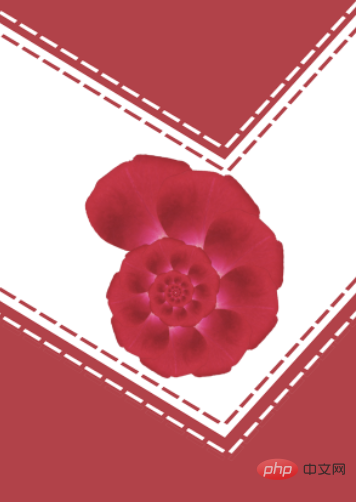
##ps spiral spiral production petal effect
1 , open ps and import the petal elements.

#2. Drag the petal element back to the document, and then press [Ctrl T] to change the rotation and move the position to adjust it.
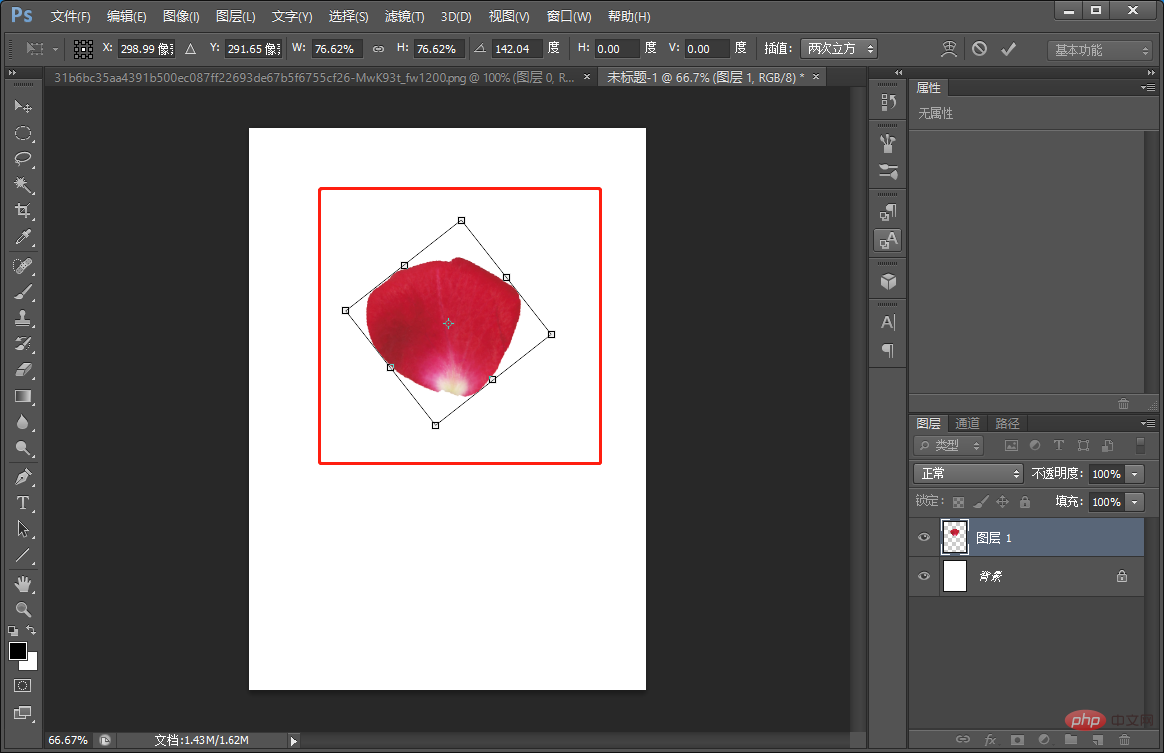
3. Press [Ctrl J] to copy the layer.

#4. Press [Ctrl J] to transform and drag the center point to the rotation position.

#5. After the center point is positioned, rotate the petals and shrink them slightly.
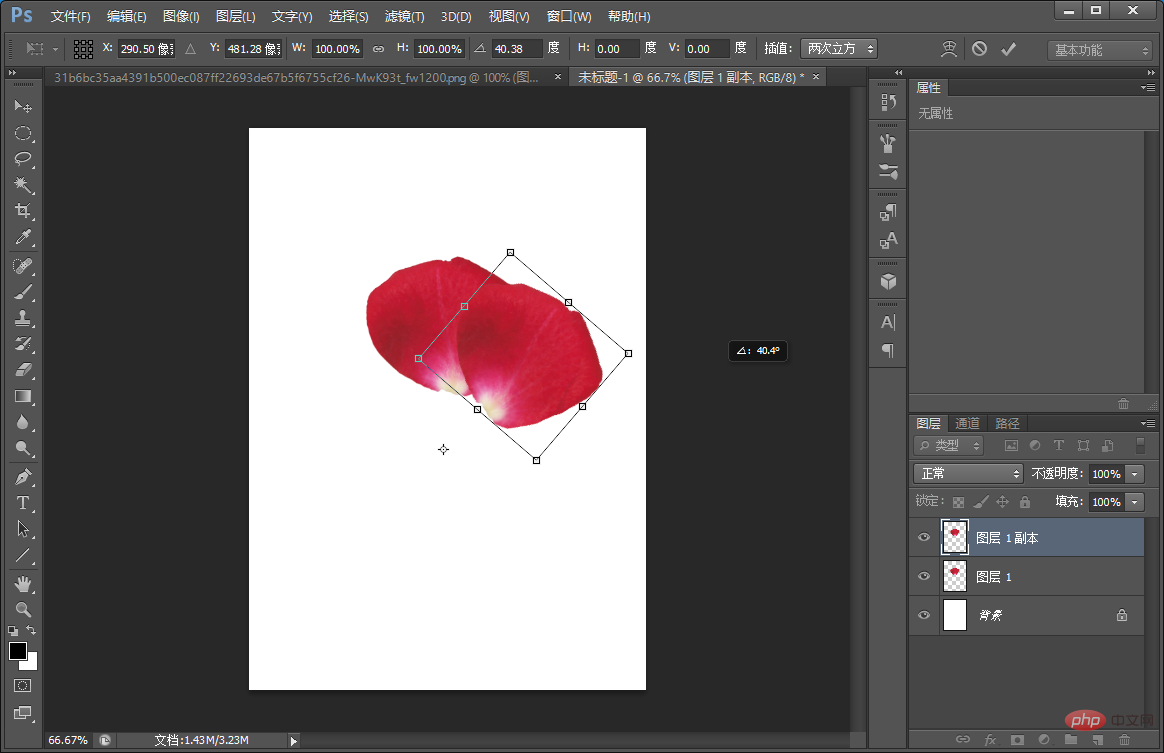
#6. Press the shortcut [Shift Ctrl Alt T] repeatedly until the effect is achieved.

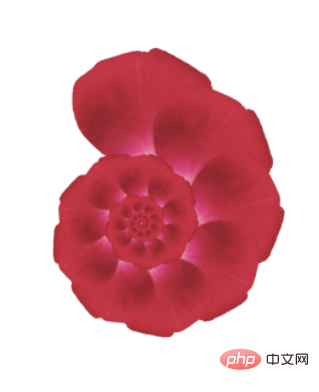
7. Select the petals of all layers and press [Ctrl E] to merge the layers.

#8. Just import the background you like.

Recommended learning:
PS video tutorial
The above is the detailed content of Beginner's article: Use PS spiral to create petal effects (share). For more information, please follow other related articles on the PHP Chinese website!
Statement:
The content of this article is voluntarily contributed by netizens, and the copyright belongs to the original author. This site does not assume corresponding legal responsibility. If you find any content suspected of plagiarism or infringement, please contact admin@php.cn


