


How to make an HTML5 video a background

To make HTML5 videos as background, you need to use the

To make an HTML5 video a background (like a full-screen background video behind content), you need to use the <video></video> element with specific attributes and CSS styling. Here's how to do it properly.
Use the <video></video> Element with Key Attributes
Start by adding a video element in your HTML. It should be positioned behind your main content and set to play automatically, loop, and be muted (required for autoplay in most browsers).
 <video autoplay muted loop class="background-video">
  <source src="your-video.mp4" type="video/mp4">
  Your browser does not support the video tag.
</video>
Style the Video with CSS
Use CSS to make the video cover the entire background and sit behind other content.
 .background-video {
  position: fixed;
  top: 0;
  left: 0;
  width: 100%;
  height: 100%;
  object-fit: cover; /* Ensures the video covers the area without distortion */
  z-index: -1; /* Sends the video to the back */
}

/* Optional: Prevent content from being hidden behind video */
body {
  margin: 0;
  padding: 0;
}
Key Points to Remember
- Autoplay only works if muted — Browsers block autoplay for videos with sound.
- Use
object-fit: cover— This makes the video fill the container while maintaining its aspect ratio. - Set
z-index: -1— This places the video behind other elements without needing a wrapper. - Provide fallbacks — Always include a fallback message and consider adding a poster image or background color.
Optional: Add a Wrapper for Better Control
Sometimes you might want more control (like overlay effects or responsiveness in complex layouts). In that case, wrap the video:
 <div class="video-background">
  <video autoplay muted loop>
    <source src="your-video.mp4" type="video/mp4">
  </video>
</div>
<div class="content">
  <h1>Your Content Here</h1>
</div>
With CSS:
 .video-background {
  position: fixed;
  top: 0;
  left: 0;
  width: 100%;
  height: 100%;
  overflow: hidden;
  z-index: -1;
}

.video-background video {
  width: 100%;
  height: 100%;
  object-fit: cover;
}
This method gives more flexibility for overlays or responsive adjustments.
Basically, just position the video behind everything with z-index: -1 , make it cover the screen, and ensure it's muted and looping. It's simple but easy to mess up with wrong sizing or autoplay issues.
The above is the detailed content of How to make an HTML5 video a background. For more information, please follow other related articles on the PHP Chinese website!

Hot AI Tools

Undress AI Tool
Undress images for free

AI Clothes Remover
Online AI tool for removing clothes from photos.

Undresser.AI Undress
AI-powered app for creating realistic nude photos

ArtGPT
AI image generator for creative art from text prompts.

Stock Market GPT
AI powered investment research for smarter decisions

Hot Article
Popular tool

Notepad++7.3.1
Easy-to-use and free code editor

SublimeText3 Chinese version
Chinese version, very easy to use

Zend Studio 13.0.1
Powerful PHP integrated development environment

Dreamweaver CS6
Visual web development tools

SublimeText3 Mac version
God-level code editing software (SublimeText3)
Hot Topics
 20516
20516
 7
13630
4
7
13630
4

 How to change the background color of photos on Meitu Xiuxiu
Apr 08, 2024 pm 03:56 PM
How to change the background color of photos on Meitu Xiuxiu
Apr 08, 2024 pm 03:56 PM
1. Open the Meitu Xiu Xiu software, select [Picture Beautification], and import photos from the album. 2. Click [Cutting] on the bottom toolbar and select the [Background Replacement] function. 3. In the [Background] option, select the desired background color from the solid color box, or upload a custom image. 4. After confirming the selection, click [Save] to complete the background color change.
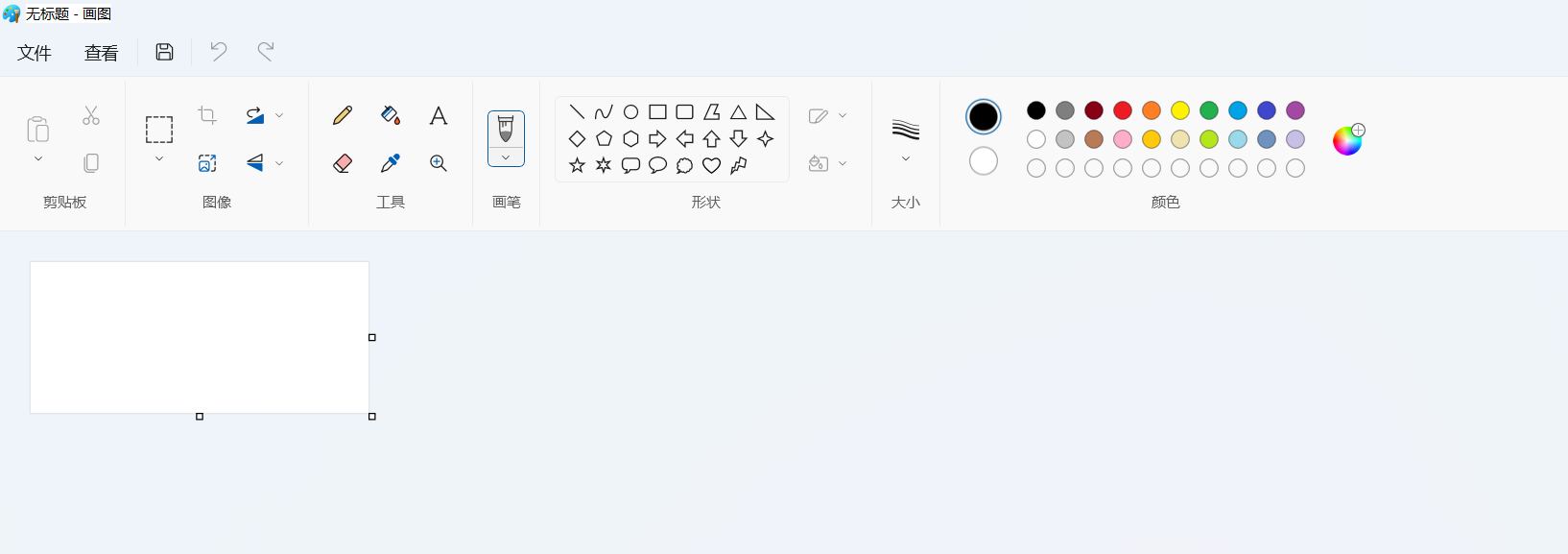 Win11 new version of drawing: remove background with one click to realize cutout function
Sep 15, 2023 pm 10:53 PM
Win11 new version of drawing: remove background with one click to realize cutout function
Sep 15, 2023 pm 10:53 PM
Microsoft invites WindowsInsider project members in the Canary and Dev channels to test and experience the new Paint application. The latest version number is 11.2306.30.0. The most noteworthy new feature of this version update is the one-click cutout function. Users only need to click once to automatically eliminate the background and highlight the main body of the picture, making it easier for users to perform subsequent operations. The whole step is very simple. The user imports the picture in the new layout application, and then clicks the "removebackground" button on the toolbar to delete the background in the picture. The user can also use a rectangle to select the area to remove the background.
 How to replace all ppt backgrounds
Mar 25, 2024 pm 04:25 PM
How to replace all ppt backgrounds
Mar 25, 2024 pm 04:25 PM
PPT background replacement is an important operation that can quickly unify the visual style of the presentation. You can quickly replace the background of your entire presentation by modifying the slide master or using the Format Background feature. In addition, some PPT versions also provide a batch replacement function, which can easily replace the background of all slides. When replacing the background, you should pay attention to choosing a background that matches the theme of the presentation, and ensure that the background clarity and resolution meet the requirements.
 The birth background and original intention of Go language
Apr 04, 2024 am 08:48 AM
The birth background and original intention of Go language
Apr 04, 2024 am 08:48 AM
The Go language was born at Google to solve the problems of complexity and insufficient concurrency support of C++. Its original intention is to create a simple, easy-to-learn, efficient concurrency, memory-safe, cross-platform language to improve programmer productivity, build reliable and scalable systems, and promote code porting and sharing.
 Play ambient background sounds on iPhone to stay focused
Nov 29, 2023 pm 11:27 PM
Play ambient background sounds on iPhone to stay focused
Nov 29, 2023 pm 11:27 PM
On iPhone and iPad, one of the many accessibility features Apple has included is background sounds. These sounds are designed to help you stay focused, stay calm, and help minimize distractions when you're busy with something. The background sounds provided include balanced, bright and dark noises, as well as natural sounds such as ocean, rain and streams. All sounds can be set to play in the background to mask unwanted ambient or external noise, and sounds are blended into or hidden beneath other audio and system sounds. Enable Background Sound on iPhone and iPad The following steps describe how to enable background sound on iPhone and iPad running iOS15/iPadOS15 and later. on iPhone ori
 How to change the default picture background when logging in to win7 system
Jun 30, 2023 pm 04:03 PM
How to change the default picture background when logging in to win7 system
Jun 30, 2023 pm 04:03 PM
How to change the default picture background when logging in to win7 system? Tutorial sharing on how to change the default picture background when logging in to win7 system. After setting a login password for our computer, when we turn on the computer and go to the login interface, there will be a picture background. Some users want to modify the background, so how can they modify the background? Many friends don’t know how to operate in detail. The editor below has compiled the steps to change the default picture background when logging in to the win7 system. If you are interested, follow the editor and take a look below! Steps to change the default picture background when logging in to the win7 system 1. First, go to the illustrated path C:WindowsSystem32oobeinfoackgrounds
 How to set transparent background in html
Mar 08, 2021 am 10:53 AM
How to set transparent background in html
Mar 08, 2021 am 10:53 AM
How to set a transparent background in html: 1. Directly use "backgroud:rgba(R,G, B, A)" to set a transparent background. 2. First use the "backgroud: color value;" style to set the background color; then use the "opacity: transparency value" style to add a transparency to the background color.
 Play calming sounds on Mac to improve concentration
Nov 29, 2023 pm 11:29 PM
Play calming sounds on Mac to improve concentration
Nov 29, 2023 pm 11:29 PM
In macOS Ventura and later, Apple provides an accessibility feature for Mac called "Background Sound." These sounds are designed to help you stay focused at work, promote calmness and minimize distractions. Read on to learn how it works. Apple first introduced background sounds on the iPhone, allowing users to play ambient soundscapes in the background. This feature is also available on Mac, so you can play calming sounds in your office or den to mask unwanted ambient noise and help minimize distractions so you can focus or rest. The background sounds provided include balanced, bright and dark noises, as well as natural sounds such as ocean, rain and streams. All sounds can be set to
