


HTML attributes
is defined in the opening tag of an HTML element.
always appears in the form corresponding to name and value, such as: name="value".
Attribute values should always be enclosed in quotes. Double quotes are the most commonly used, but there is no problem using single quotes.
Let’s take an example first:
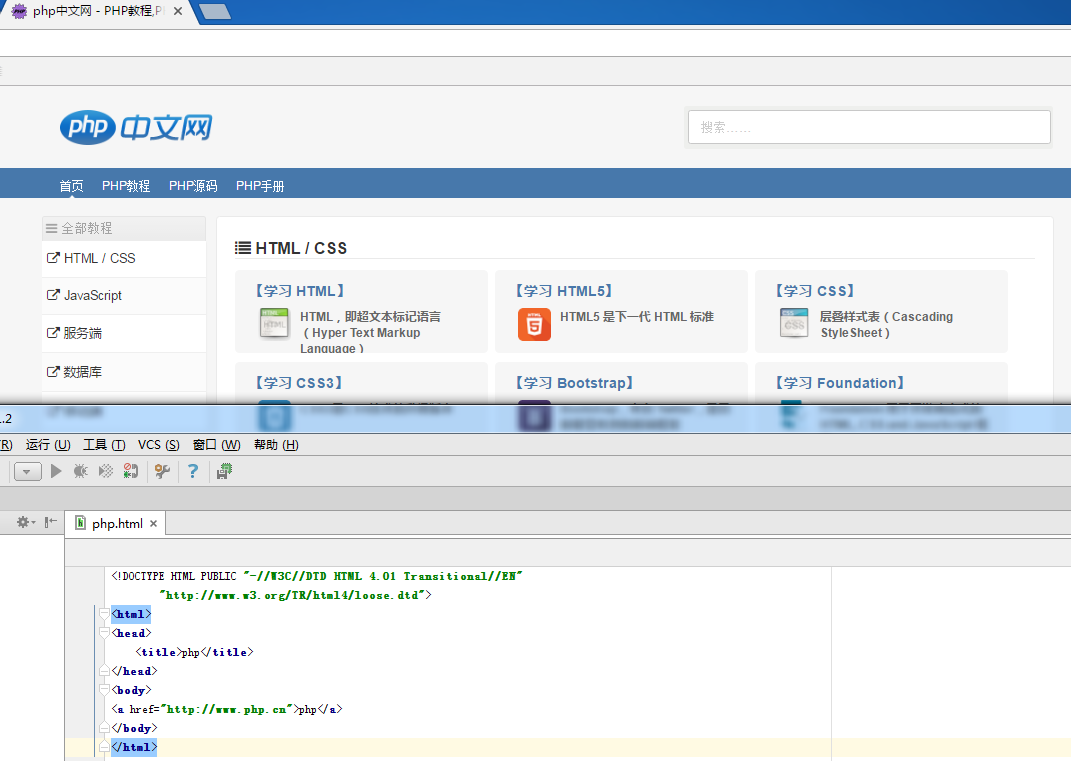
<a href="//m.sbmmt.com">php</a>

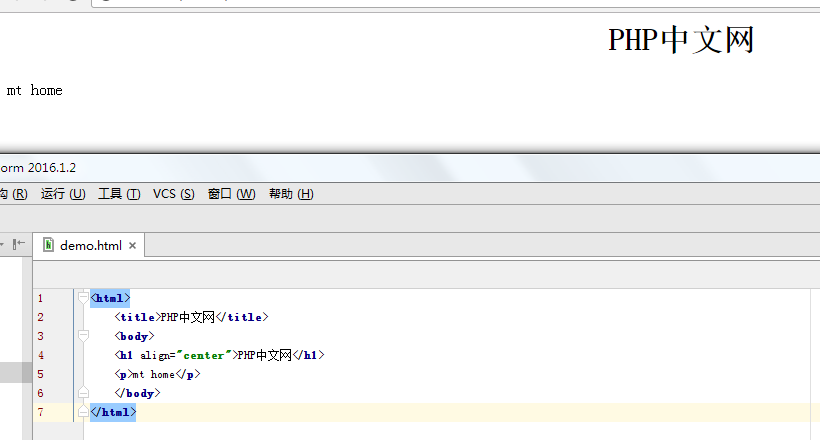
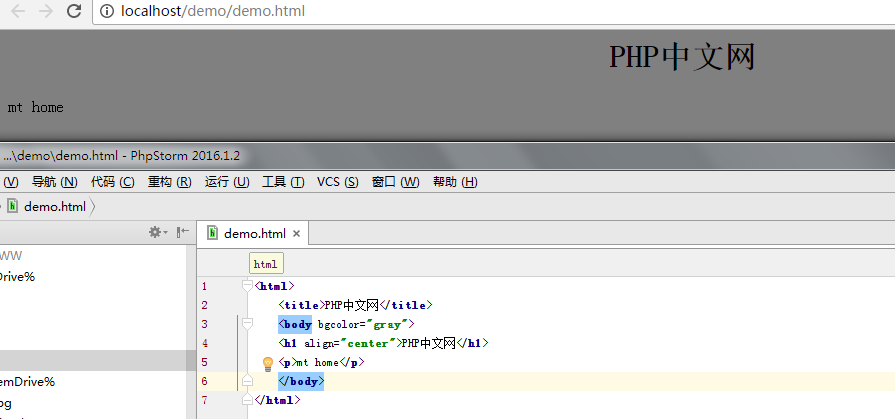
<body bgcolor="#000000"><body bgcolor="rgb(0,0,0)"><body bgcolor="black">All three methods can set the background color (black above). This attribute value can be a hexadecimal number, RGB value or color name. Here is a simple and intuitive way to choose: (Color names support aqua, black, blue, fuchsia, gray, green, lime, maroon, navy, olive, purple, red, silver, teal, white, yellow.)
new file
<html>
<head>
<title>php</title>
</head>
<body>
<a href="//m.sbmmt.com">php</a>
</body>
</html>
Preview
Clear
- Course Recommendations
- Courseware download














 The courseware is not available for download at the moment. The staff is currently organizing it. Please pay more attention to this course in the future~
Students who have watched this course are also learning

Let's briefly talk about starting a business in PHP
Quick introduction to web front-end development
Large-scale practical Tianlongbabu development of Mini version MVC framework imitating the encyclopedia website of embarrassing things
Getting Started with PHP Practical Development: PHP Quick Creation [Small Business Forum]
Login verification and classic message board
Computer network knowledge collection
Quick Start Node.JS Full Version
The front-end course that understands you best: HTML5/CSS3/ES6/NPM/Vue/...[Original]
Write your own PHP MVC framework (40 chapters in depth/big details/must read for newbies to advance)