


Error code: err_connection_refused What is the problem?

"err_connection_refused" means "Error connection refused". Solution: 1. Open "Internet Options" and click "Advanced"; 2. Find "Reset Internet Explorer Settings" and click "Reset"; 3. Check "Delete Personal Settings" and click "Reset".
Sometimes when browsing the web with IE browser, this situation will occur, "This webpage cannot be displayed" and "err_connection_refused" will appear, so this How to solve it?
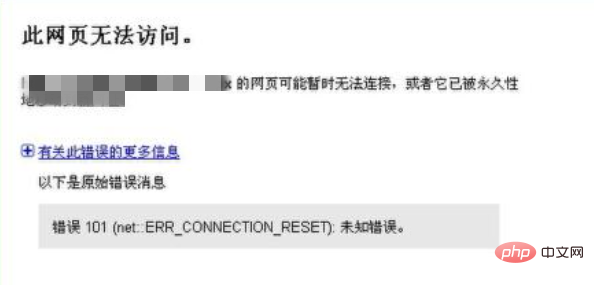
Solution:
Open IE browser, click "Settings" marked in the upper right corner, and select "Internet Options" .

The "Internet Options" window pops up, click the "Advanced" option.

Find "Reset Internet Explorer Settings" below and click "Reset".

In the "Reset Internet Explorer Settings" window, check "Delete Personal Settings" and click "Reset".

Waiting to restart the computer will solve the problem.

For more related knowledge, please visit: PHP Chinese website!
The above is the detailed content of Error code: err_connection_refused What is the problem?. For more information, please follow other related articles on the PHP Chinese website!

Hot AI Tools

Undresser.AI Undress
AI-powered app for creating realistic nude photos

AI Clothes Remover
Online AI tool for removing clothes from photos.

Undress AI Tool
Undress images for free

Clothoff.io
AI clothes remover

AI Hentai Generator
Generate AI Hentai for free.

Hot Article
Hot Tools

Notepad++7.3.1
Easy-to-use and free code editor

SublimeText3 Chinese version
Chinese version, very easy to use

Zend Studio 13.0.1
Powerful PHP integrated development environment

Dreamweaver CS6
Visual web development tools

SublimeText3 Mac version
God-level code editing software (SublimeText3)
Hot Topics
 1378
1378
 52
52